Scav Prototype AI Prompt Studio
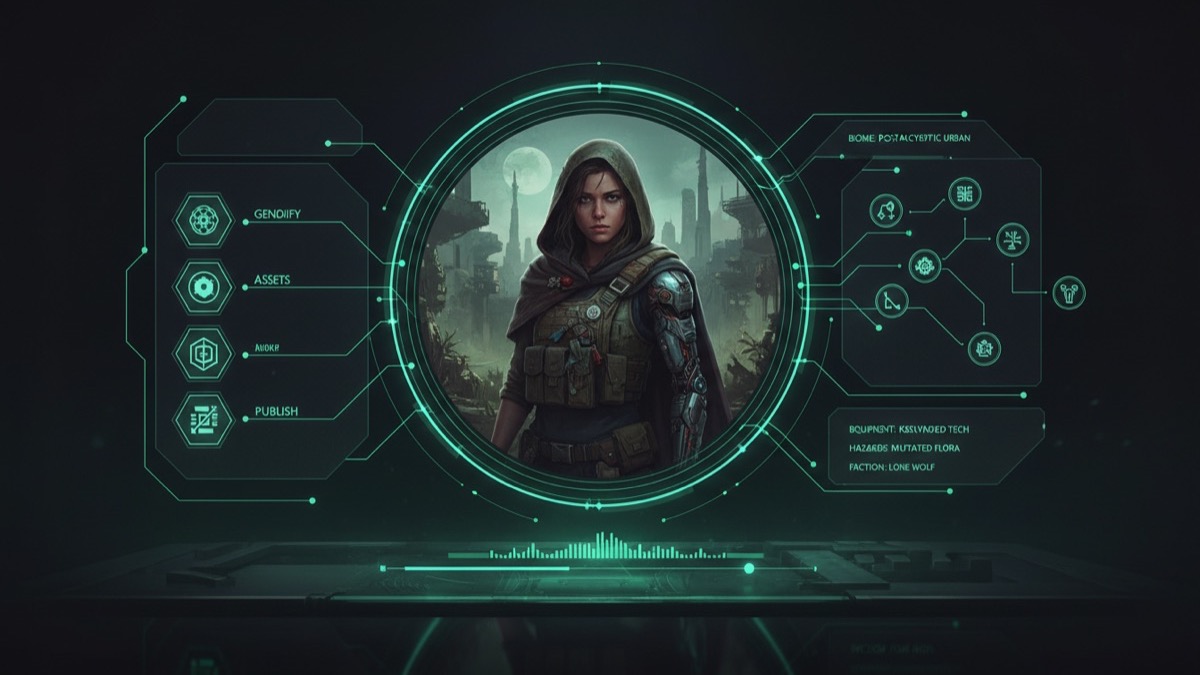
A prompt builder for fan-made Casualties Unknown visuals. Choose a mode, subject, scene and look, then copy a prompt that respects identity, anatomy and composition.
Quick answer
- Pick a mode: image generation, image editing or image-to-video.
- Choose subject, scene and look; the prompt updates in the browser.
- Copy the prompt and run it on KIE, WaveSpeed, FAL, Replicate or SeeAPI.
- Nothing is uploaded here and no API key is stored on this site.
How the studio works
The studio is a text builder, not a generation backend. It assembles the same four ingredients a good prompt needs: subject, scene, visual language and constraints. The output is meant to be pasted into a provider that actually runs the model.
That design is deliberate. A static guide site should not hold a shared API key or accept anonymous uploads: both turn a free tool into a cost and abuse problem. Building the prompt locally keeps the tool free, private and fast.
The three modes
| Mode | Use it for | Key constraint |
|---|---|---|
| Image generation | New fan art, thumbnails, mood boards | Composition and negative space |
| Image editing | Restyling a real photo or an existing render | Preserve face, pose and identity |
| Image to video | A five-second animated shot from a still | Small motion, stable anatomy |
Image editing needs a reference photo and a model that accepts image input. Image-to-video needs a strong starting frame; generate or choose the still first.
Prompt anatomy: what to keep, what to change
A reliable prompt names five things, in order:
- What is preserved. Face, pose, body proportions, number of people.
- What changes. Costume, hair, scene, lighting.
- What the camera sees. Lens, framing, depth of field.
- What motion happens. Only in video mode.
- What must not appear. Extra limbs, text, watermarks, identity drift.
Most disappointing generations skip step one. The model then redesigns the face instead of editing the scene.
Image-to-video: small motion wins
Five-second clips look better when the motion is small and motivated: a head turn, drifting fog, a slow push-in. Ask for a new camera angle, a costume change and a character entrance in the same five seconds and the model will bend the anatomy to fit.
Start with one motion, one environmental effect and one camera move. Increase only after the base shot is stable.
Provider and model routes
- KIE: convenient for Nano Banana image generation and Kling video jobs.
- WaveSpeed: Seedream edit models for costume and scene changes; Wan image-to-video for low-cost motion.
- FAL: FLUX Kontext for targeted edits.
- Replicate: broad model catalogue; useful for comparison runs.
- SeeAPI: an alternative gateway when a route is unavailable.
Prices and model names change. Check the provider's own page before a batch run.
Rights, disclosure and good manners
Generate original fan art, not copies of another artist's work. Do not present generated images as official game assets. If you publish, label them as AI-assisted fan work and respect the game's fan-content policy and the provider's terms.
Do not use a real person's photo without permission. The editing mode is designed for your own reference images.
Choose the options above to build a prompt.
This page builds the prompt in your browser. Generation happens on the provider you choose; this site never receives your photos or API keys.
Frequently asked questions
Does this site generate images or videos?
No. It builds the prompt in your browser. Generation happens on KIE, WaveSpeed, FAL, Replicate or SeeAPI, whichever you choose.
Are my photos uploaded?
No. The studio never uploads a file. If you use editing mode, you upload the reference photo directly to your chosen provider.
Which model should I start with?
For stills, a Nano Banana or Seedream edit model is a good first test. For five-second motion, start with a low-cost image-to-video model such as Wan and increase only if needed.
Why does the face change in editing mode?
The prompt did not state what to preserve strongly enough, or the model does not support identity-preserving edits. Keep the subject line and constraints intact.
Can I sell the results?
Check the provider's licence and the game's fan-content policy. Do not sell images that copy another artist's style or imply official endorsement.
Does the studio work on mobile?
Yes. The controls are plain selects and the copy button uses the clipboard API where the browser allows it.
Build a prompt, then choose a provider
No account, no upload and no shared API key. The generation step stays with the provider you trust.