Casualties Unknown Russian Localization
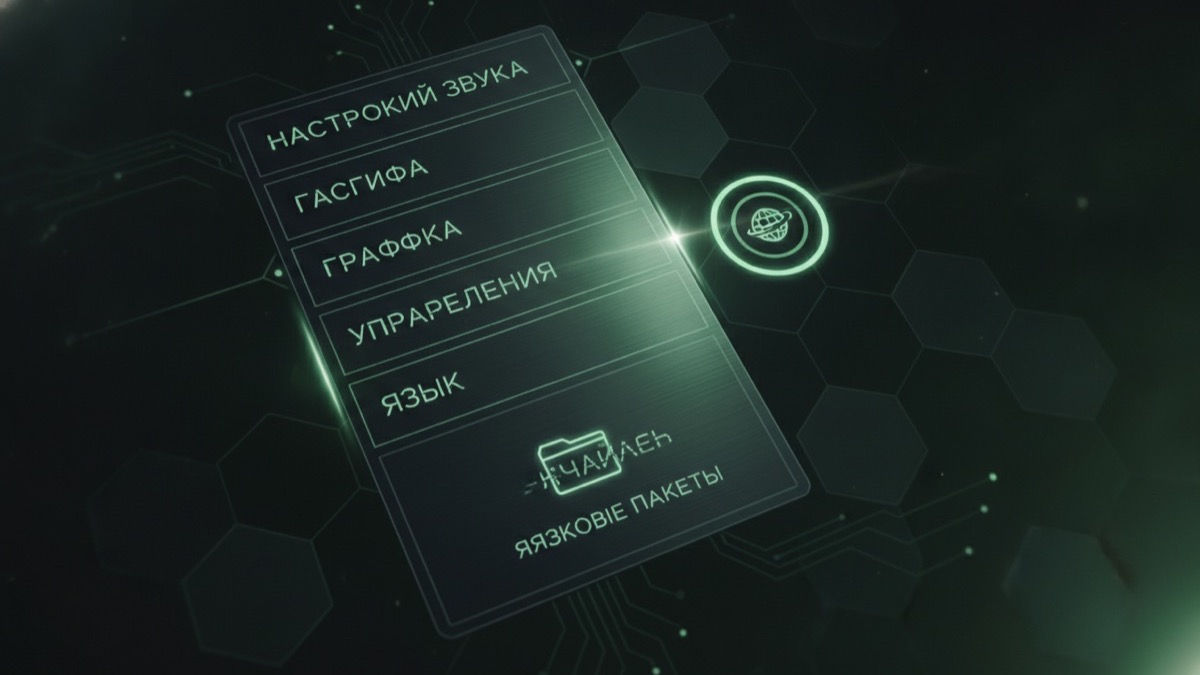
Russian support is a community language route, not a promise from the store page. Install it the same way you install a mod: one change, one launch, one check.
Quick answer
- Check the official store page first for built-in language support.
- Community language packs are version-sensitive; match them to the current game build.
- Install one language route at a time and launch once before changing anything else.
- Keep the original files so reverting is a folder restore, not a reinstall.
Check the official language list first
Steam lists supported interface languages on the store page. That list is the authoritative answer for whether Russian is built in. If Russian is listed, you do not need a community pack. If it is not, a community route may exist, but it is maintained by players.
This matters because a community pack can lag behind the game. When the game updates, the pack may fail to load or show untranslated strings.
How community language packs work
Most community packs replace or extend the game's localization files, or ship as a loader plugin. The two routes have different failure modes:
| Route | How it works | Typical failure |
|---|---|---|
| File replacement | Overwrites localization files in the game folder | Game update replaces the pack |
| Loader plugin | Loads translated strings at runtime | Loader or game build mismatch |
Read the pack's install instructions before copying anything. The two routes are not interchangeable.
Install order
- Update the game and launch it once in the original language.
- Back up the files the pack will replace.
- Install the pack exactly as its instructions describe.
- Launch and check the main menu, settings and one in-game tooltip.
- If strings are missing, stop and check the pack version before changing more files.
After a game update
The most common report is "the translation disappeared". That usually means the update replaced the modified files or changed the loader interface. The fix is to reinstall the pack version that matches the new build, not to reinstall the whole game first.
If the pack has no release for the current build, play in the original language until it does. Mixing two pack versions produces partial translations and confusing menu text.
Reverting safely
Restore the backed-up files, remove any loader plugin the pack installed, and launch once to confirm the original language works. If you used a loader route, check the loader log for leftover plugin entries.
Never share a modified game folder with another player as a "fixed" build. Share the pack's official page instead.
Frequently asked questions
Does Casualties Unknown have official Russian support?
Check the Steam store page language list; it is the authoritative source. If Russian is not listed, only community routes exist.
Why did my Russian translation stop working?
A game update most likely replaced the modified files or changed the loader interface. Reinstall the pack version that matches the current build.
Is a rusifikator safe?
A language pack is still modified game data. Use the pack author's published page, back up the original files and avoid repacked bundles from unknown mirrors.
Can I use a language pack with other mods?
Usually yes, but install and test one change at a time. If text breaks after adding another mod, remove the last change first.
Will a language pack affect multiplayer?
It can if it changes files other players do not have. Confirm with the group before a session and keep the mod list identical.
Set up the loader first
If the language pack ships as a plugin, the BepInEx guide is the prerequisite.