AI Halloween Costume Generator
Start with one of five tested looks, add a selfie, and generate an original costume portrait. The prompt protects the face first and changes the costume second.
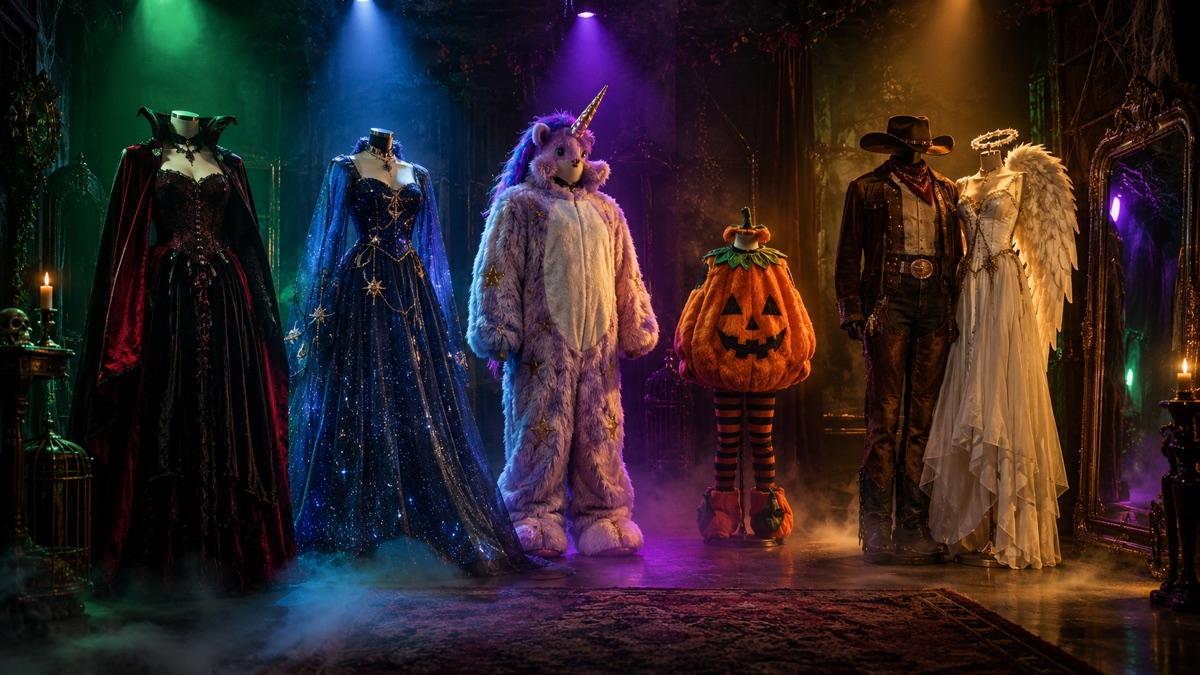
Quick answer
- Choose a look, upload a clear selfie, and generate. No prompt writing is required.
- The edit prompt names what to preserve before it names what to change. That order matters.
- Eight tested looks cover gothic, celestial, mascot, forest, beauty, pet, couple and sci-fi costume styles.
- When the still is right, animate it with one small motion instead of regenerating from scratch.
How to generate a Halloween costume portrait
- Pick a look. Midnight Braids, Cosmic Princess, Haunted Unicorn, Forest Witch or Neon Robot. Each has a different silhouette, so pick the one that matches the photo you have.
- Use a clear, front-facing photo. Soft light, no heavy filters, hair away from the face. A group photo makes the model choose a person; a solo photo is more predictable.
- Keep the preset prompt. It already states what to preserve, what to change, where the subject stands and what to avoid.
- Generate and inspect. Check the eyes, hands, jewelry and the edge where the costume meets the background.
If the face drifts, shorten the scene description and repeat the preservation sentence. If the costume is wrong, describe the garment in plain words: fabric, color, silhouette and one detail. Do not stack five adjectives on every noun.
The tested looks
Each card opens a guide with the full prompt, the photo tips and the motion version. The studio below starts with Midnight Braids; you can switch the preset without leaving the page.
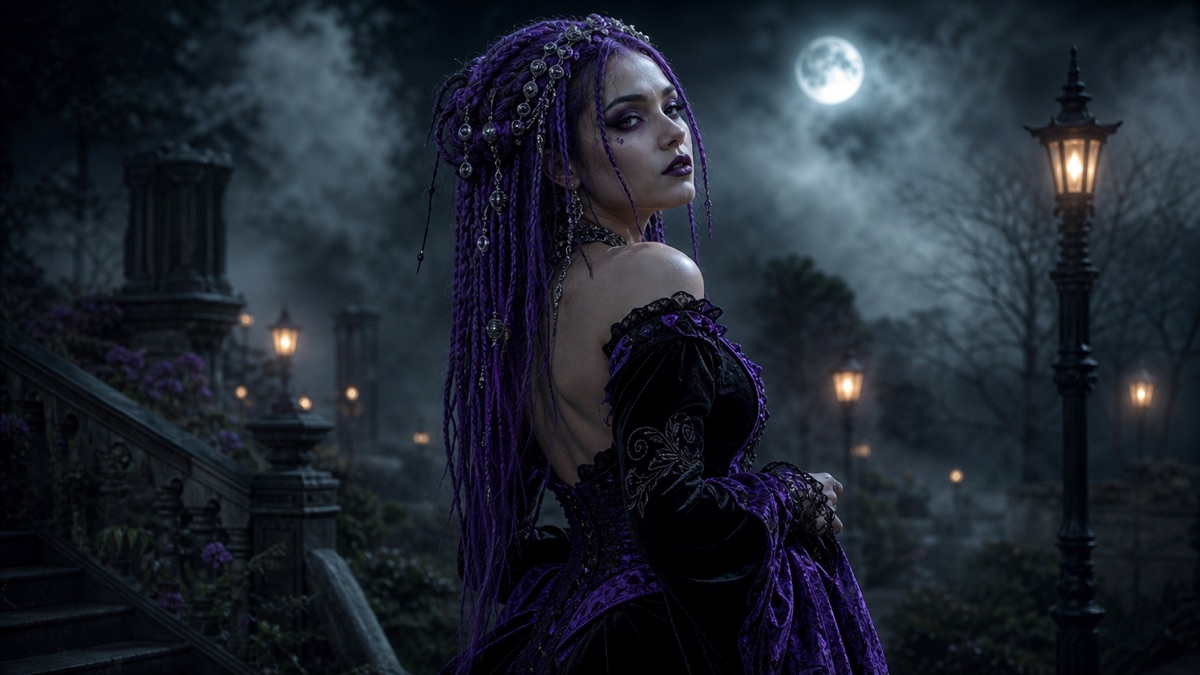 Gothic portrait
Midnight Braids
Violet braids, silver hair jewelry and black velvet in a moonlit Victorian garden.
Gothic portrait
Midnight Braids
Violet braids, silver hair jewelry and black velvet in a moonlit Victorian garden.
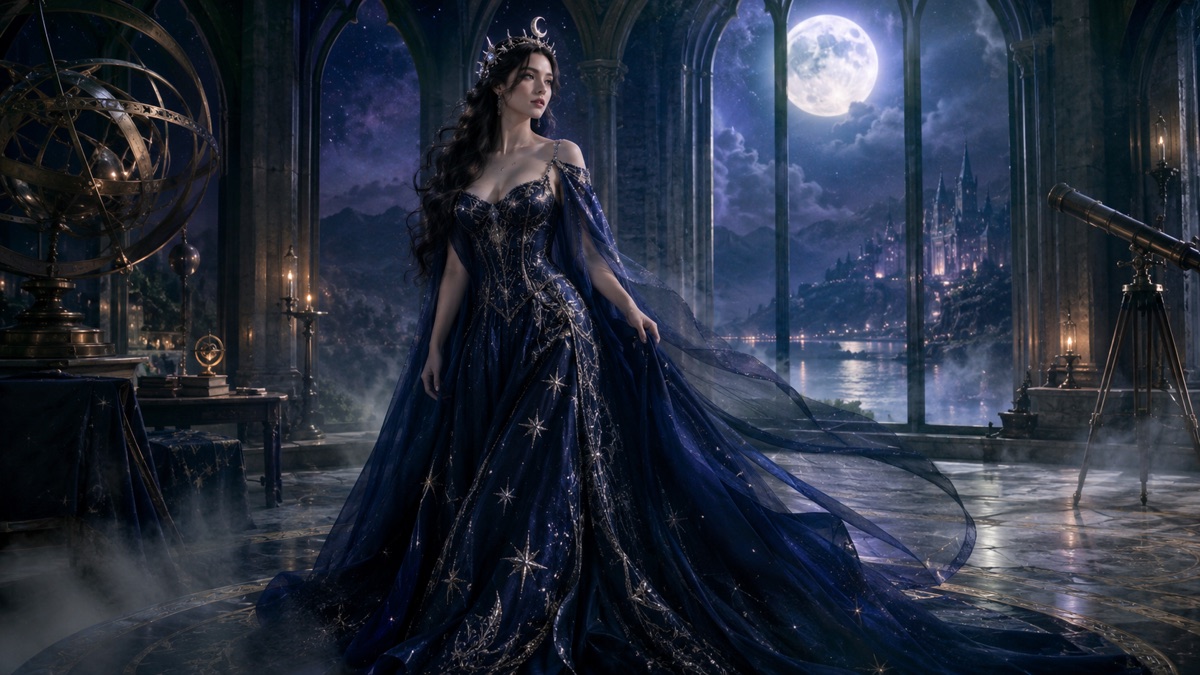 Celestial fantasy
Cosmic Princess
A midnight-blue gown, silver star embroidery and a moon crown in a moonlit observatory.
Celestial fantasy
Cosmic Princess
A midnight-blue gown, silver star embroidery and a moon crown in a moonlit observatory.
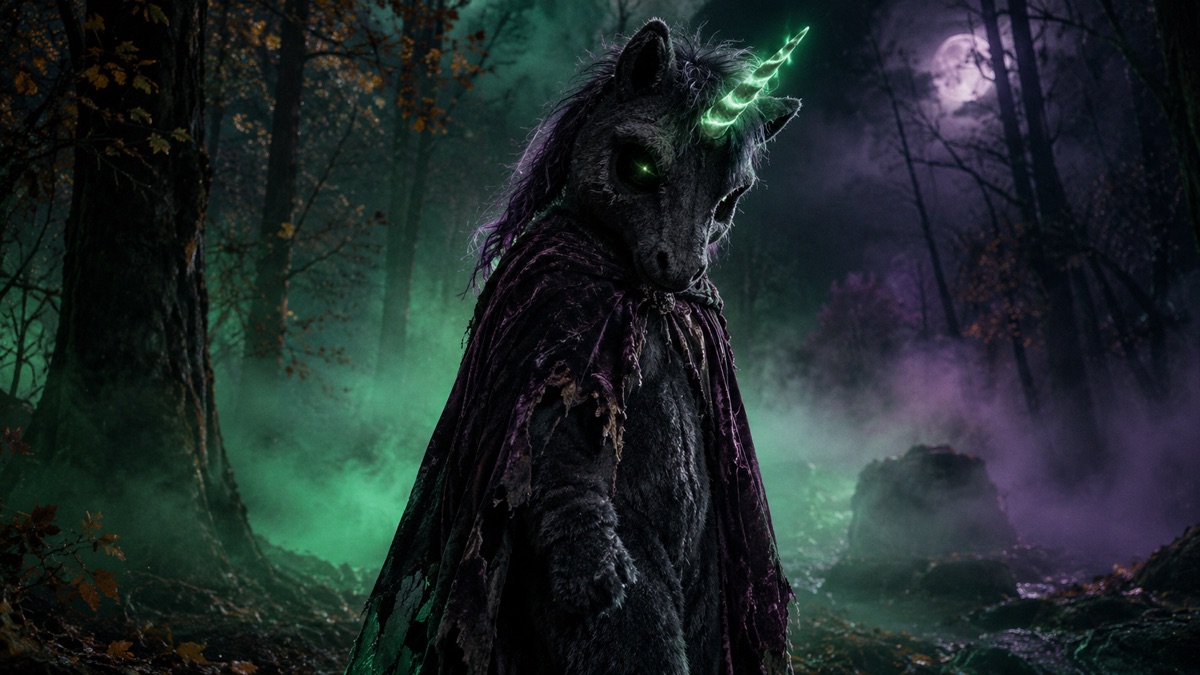 Mascot horror
Haunted Unicorn
An original plush mascot with a twisted glowing horn, charcoal fur and a tattered cape.
Mascot horror
Haunted Unicorn
An original plush mascot with a twisted glowing horn, charcoal fur and a tattered cape.
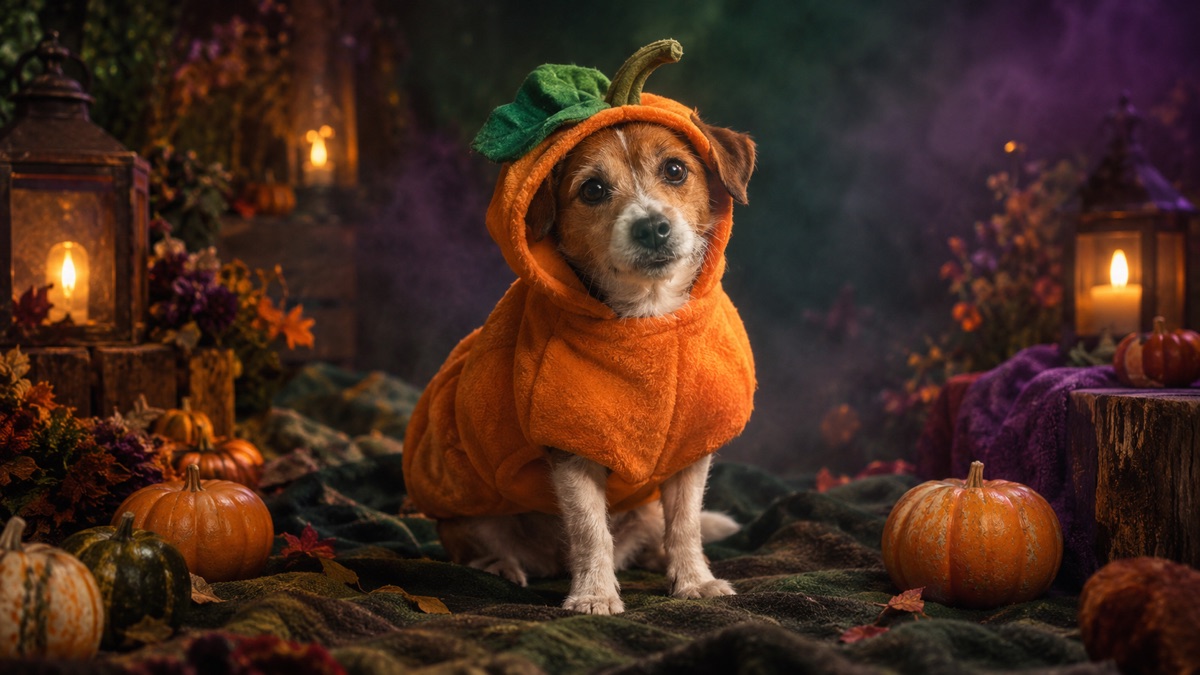 Pet portrait
Pumpkin Pet
A soft pumpkin costume with a green leaf, warm studio light and miniature pumpkins.
Pet portrait
Pumpkin Pet
A soft pumpkin costume with a green leaf, warm studio light and miniature pumpkins.
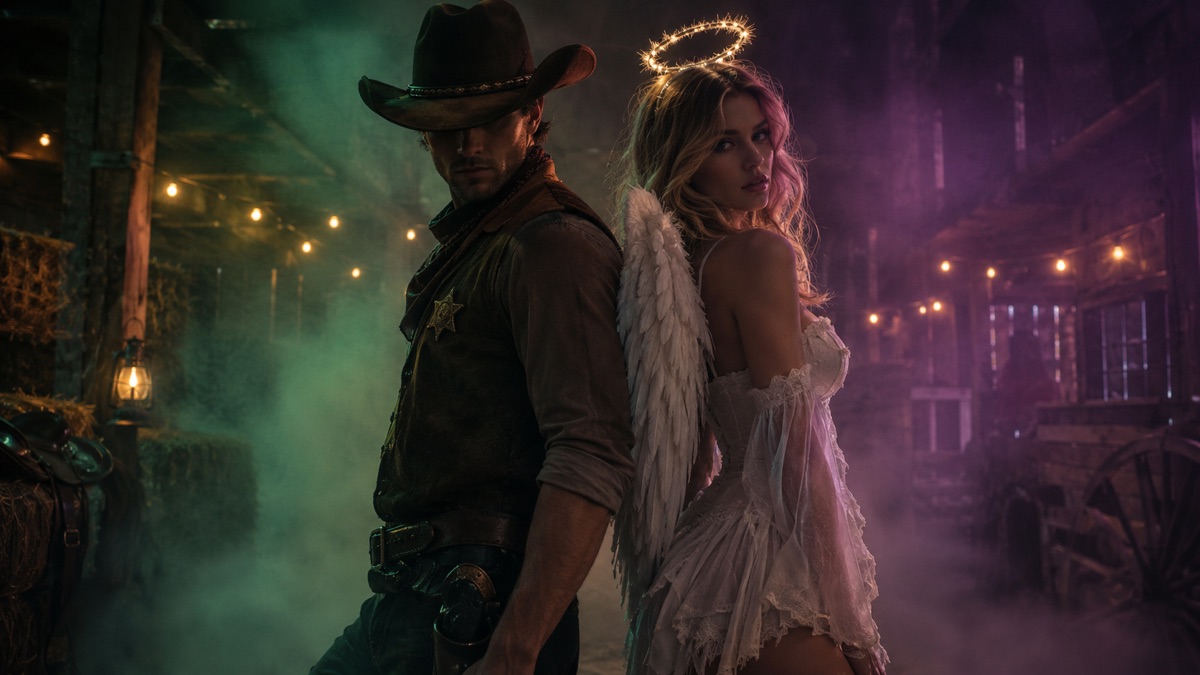 Couple portrait
Cowboy & Angel
A two-person portrait with an original cowboy look and an angel look, no face swaps.
Couple portrait
Cowboy & Angel
A two-person portrait with an original cowboy look and an angel look, no face swaps.
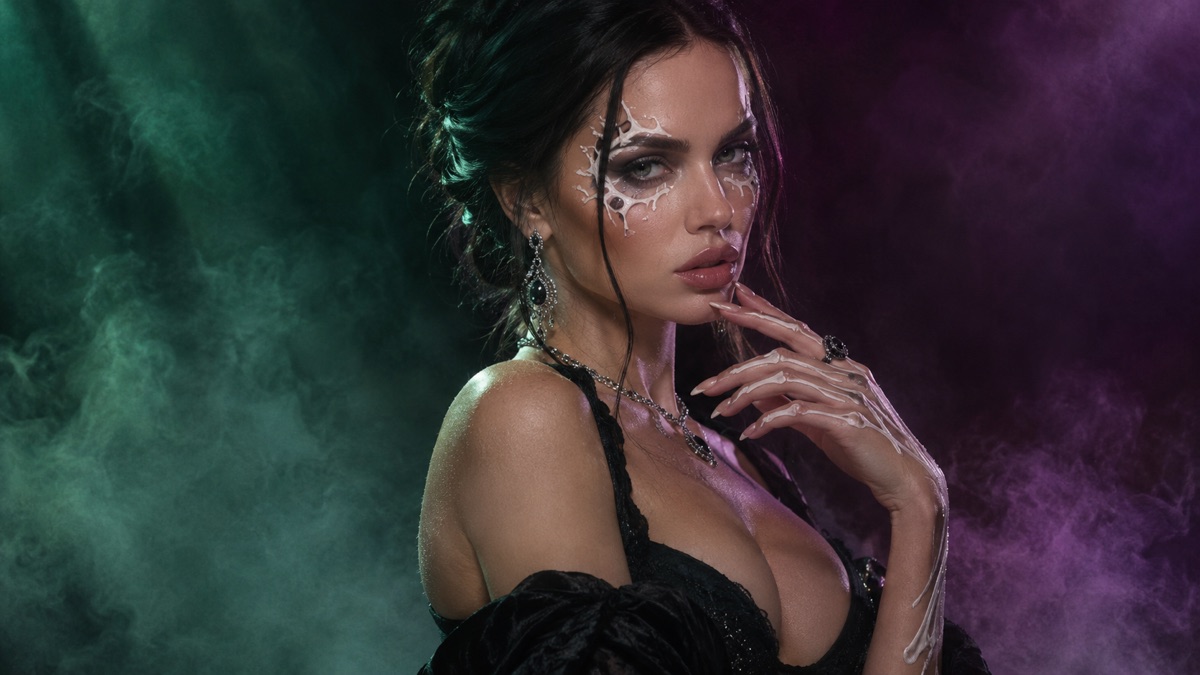 Beauty edit
Skeleton Glam
Decorative bone-inspired makeup, black evening wear and a deep burgundy backdrop.
Fantasy portrait
Forest Witch
Moss-green layers, a leaf-covered hat and a lantern in a damp ancient forest.
Beauty edit
Skeleton Glam
Decorative bone-inspired makeup, black evening wear and a deep burgundy backdrop.
Fantasy portrait
Forest Witch
Moss-green layers, a leaf-covered hat and a lantern in a damp ancient forest.
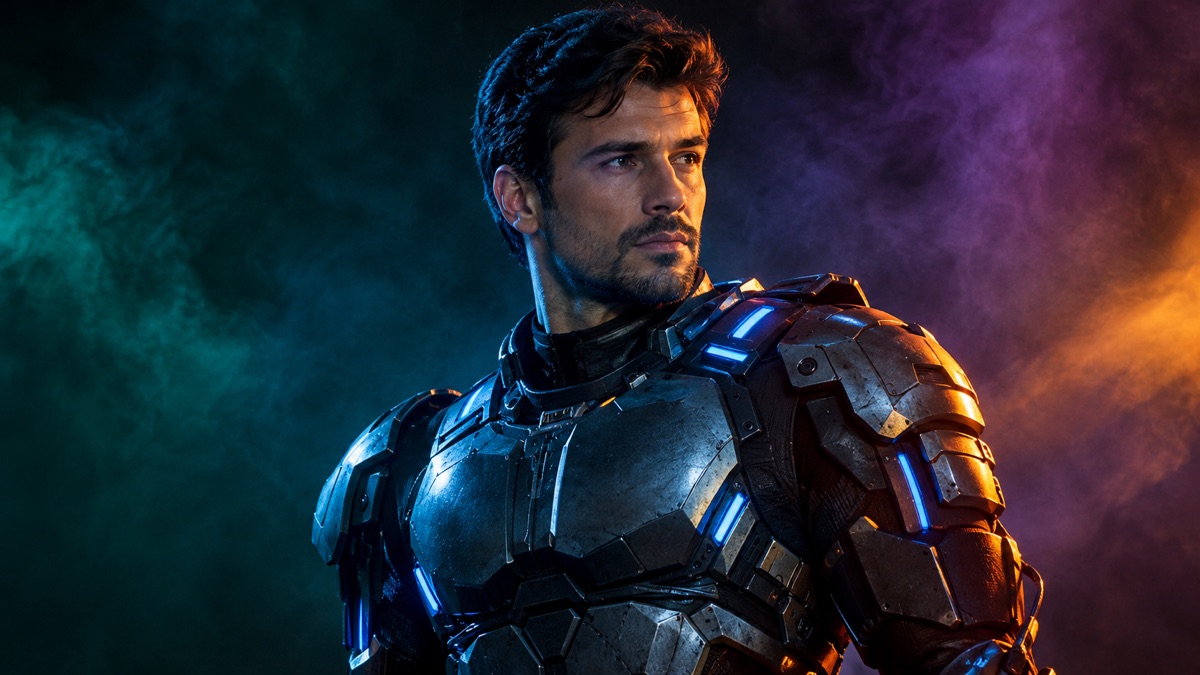 Sci-fi costume
Neon Robot
A wearable metallic costume with blue LED accents under blue-and-orange studio light.
Sci-fi costume
Neon Robot
A wearable metallic costume with blue LED accents under blue-and-orange studio light.
Why the prompt preserves the face first
Most disappointing costume edits fail because the model treats the photo as inspiration instead of a reference. It redesigns the face to fit the costume. The fix is not a stronger style word; it is an explicit preservation clause near the top of the prompt.
A reliable costume prompt has five parts:
- Preserve: face, skin tone, age, body proportions, pose and the number of people.
- Change: costume, hair, accessories and scene.
- Camera: editorial portrait, 35mm or 50mm, shallow depth of field.
- Light: one motivated source, one fill, one rim.
- Avoid: identity drift, extra limbs, duplicated fingers, text and watermarks.
Photo tips that make the biggest difference
Light. A window-lit photo with soft shadows is easier to relight than a photo with a strong colored cast. If your only photo is a dark bar selfie, expect the model to invent more of the scene.
Framing. Leave a little space around the head and shoulders. A tightly cropped face gives the model nowhere to put a hat, crown or mascot hood.
Expression. A neutral expression is easier to preserve than a wide smile with visible teeth. If you want a smile, generate a neutral version first and animate the expression later.
Accessories. Glasses, veils and heavy earrings are common failure points. Remove them for the first generation, then add them back in a second edit if the look needs them.
The exact Midnight Braids prompt
This is the prompt the studio sends in photo-edit mode. It is intentionally long: the preservation clause, the costume description, the scene, the photographic style and the negative constraints each do a job.
Use the uploaded photo as the primary reference. Preserve the subject’s recognizable face, natural skin texture, body proportions and pose. Transform the subject into an original forest witch: layered moss-green and charcoal clothing, a wide-brim hat with dried leaves, small glass bottles and a lantern. Place the subject in a damp ancient forest at dusk with drifting fog and bioluminescent mushrooms. Use cinematic fantasy photography, realistic fabric and botanical textures, and a deep green-amber palette. Keep the person recognizable. Avoid altered facial identity, extra people, distorted anatomy, text or watermarks.
Image-to-video prompt
Fog drifts between the trees, the lantern flame flickers, and the subject turns their head slowly. A few leaves fall past the camera. No cuts, no new characters.
Common failures and the one-line fix
| Symptom | Likely cause | Fix |
|---|---|---|
| Face looks like a different person | Preservation clause too weak or buried | Move "preserve the subject’s recognizable face" to the first sentence; remove competing style words |
| Costume has extra straps or limbs | Too many garment details | Name three details, not ten; add "no extra limbs or duplicated fingers" |
| Background looks like a video game | Generic "Halloween" wording | Name one real place, one light source and one weather condition |
| Hands are distorted | Hands occupy too much of the frame | Crop above the hands or ask for a three-quarter portrait |
| Image looks plastic | Over-smoothed skin | Ask for natural skin texture and visible pores; reduce beauty language |
Generate your costume portrait
The studio uses the selected preset. Upload a photo for edit mode, or switch to text mode to generate without one. Results are limited by the daily quota shown under the button.
Halloween AI studio
Frequently asked questions
What is an AI Halloween costume generator?
It is an image-editing workflow that keeps a person from a reference photo and replaces the outfit, scene and lighting with a costume concept. The good ones preserve identity rather than generating a new face.
Do I need a full-body photo?
No. A head-and-shoulders portrait works for most looks. Full-body photos help with gowns, boots and capes but make the face smaller and harder to preserve.
How many photos should I upload?
One clear solo photo for a single person. A couple look needs two separate photos, one per person.
Can I use a photo of a friend?
Only with their permission. The site does not keep the image, but the model provider processes it for the request.
Why does the costume look different from the reference?
The model generates an interpretation, not a sewing pattern. Describe fabric, color and silhouette if the exact costume matters.
Can I generate a child costume?
Do not upload photos of minors. The studio is intended for adults generating their own portraits.
What if I only want a text-to-image costume?
Switch the mode to text and leave the upload empty. The preset prompt still works without a reference photo.